


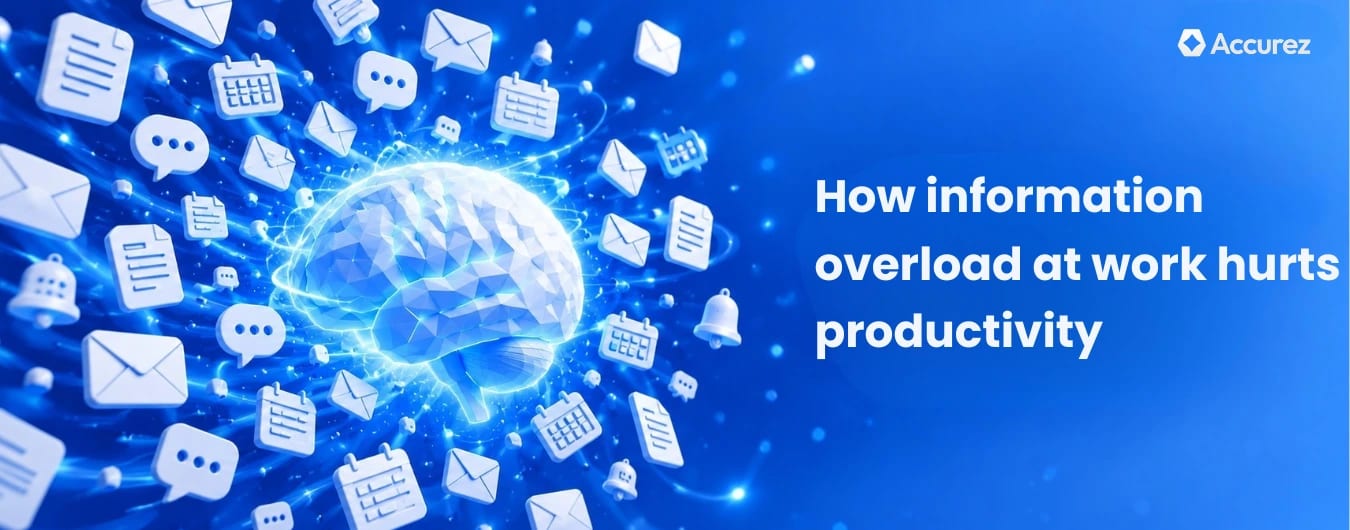
Inside the article
Key Takeaways
- More than four in five lawyers - sorry - more than four in five workers now experience information overload at work, up from 60 percent in 2022.
- The biggest source of overload is often internal - poor knowledge organization generates more message traffic than external communication does.
- AI-powered knowledge management lets teams find answers without asking colleagues, reducing daily information traffic at the source.
- The Tapestry case shows that centralizing internal knowledge reduced daily interruptions across six teams in four months.
- Most of the problem is structural. Better team communication norms and centralized knowledge organization help far more than individual habits.
Summarise this blog for me
Too busy to read the full article? Get a quick summary in your preferred AI tool.
Introduction
A gap exists between how busy most people feel at work and how much useful work actually gets done. The gap is not laziness or poor time management. It is information overload while doing a task, and it has become one of the most consistent drains on productivity in knowledge-work environments.
In this blog, we look at what causes it, what it costs, and what teams can do about it.
What information overload at work actually means
Information overload happens when incoming information arrives faster than you can sort through what matters. Important things get buried under unimportant ones. Decision-making slows down.
Most people do not think, 'I have too much information.' They just feel scattered and exhausted.
The work is done, but the process of finishing it isn't smooth; it has drained your mental energy. This can reduce your focus on problem-solving and other decision-making.
What causes information overload in the workplace
Too many communication tools running simultaneously
The average team today uses:
- Email for formal communication
- Slack or Teams for quick messages
- A video call platform for meetings
- A project management tool for tasks
- A document platform for files
Each sends notifications; each has its own place for information. None connect automatically. According to OpenText research, 80 percent of workers now experience information overload, up from 60 percent in 2022 - a jump that coincides directly with the expansion of communication tools over the same period.
The rise of always-on digital culture
Before persistent messaging, uninterrupted time was the default in the workday. Now it must be deliberately protected, and in most organizations, it isn't.
When a message arrives, even after you leave the office, you feel you must respond quickly; the information overload doesn't end when you leave.
Poorly structured internal knowledge and data
Much of the information overload isn't caused by too many external messages; it is caused by not being able to find information that already exists inside the organization.
When policies live in one folder, procedures in another, and answering a basic question requires messaging three different people, employees generate more communication traffic just trying to find what they need to do their job.
The pressure to multitask across too many channels
Multitasking feels productive; the research says otherwise. Every time you switch tasks, your brain has to unload the context of what you were doing and reload the context of what you are switching to.
The more channels you monitor at once, the more you switch, and the more of your available attention gets consumed by switching rather than the actual work.
How information overload affects employees and organizations
Burnout, stress, and mental fatigue
When the information you receive consistently exceeds what you can process, everything starts to feel equally urgent. Prioritizing becomes harder; the sense of being permanently behind sets in.
Microsoft's 2025 Work Trend Index found that 48 percent of employees and 52 percent of leaders say their work feels chaotic and fragmented. That chaos doesn't come from the volume of work itself. It comes from constant channel switching and information that never stops arriving.
Reduced productivity and decision-making quality
Information overload doesn't just slow people down; it also changes the quality of the decisions they make. When processing too much, you make faster decisions with less care, anchoring to whatever arrived most recently.
For organizations, this shows up as poor decisions, missed details, and rework from choices that needed more thought. It may look invisible on any individual day, but it can be a problem over a quarterly survey.
Loss of focus and increased error rates
Research by Gloria Mark at UC Irvine found that it takes an average of 23 minutes and 15 seconds to fully regain focus after an interruption, with workers typically completing two other tasks before returning to the original one.
At that rate, sustained focus largely stops happening. Mistakes get made, details get missed, and simple tasks take far longer than they should.
The financial cost to organizations
A letter published in Nature Human Behavior, co-authored by researchers at Rensselaer Polytechnic Institute, estimates the global economic cost of information overload at approximately $1 trillion per year, accounting for lost productivity, delayed decisions, and burnout-related turnover.
Most organizations never see this as a single budget line. It spreads across slower delivery, higher turnover, and decisions that cost more to fix than to make properly.
How to reduce information overload at work
Be selective about what information you consume
Not every notification deserves immediate attention. Not every message needs a same-day reply. Most people know this and still respond to everything as it arrives, because the workplace norm says responsiveness equals competence.
That norm is the first thing that needs to change. It does not happen through individual willpower. It happens when teams explicitly agree on expected response times.
Set clear priorities and protect focus time
An hour of uninterrupted work with one clear task produces more useful output than a full day of fragmented reactive work. For teams, protecting focus time means agreeing on windows where nobody is expected to be immediately available.
Batch related tasks and communications together
Set two or three communication windows throughout the day. Handle messages in those windows. Outside them, close the tool. Messages still get answered; they just don't interrupt everything else.
Establish smarter communication standards across teams
A significant portion of information overload comes from within teams using the wrong tool for the wrong purpose. The table below shows a simple framework that reduces noise when teams explicitly agree to it.
Communication channels
- Slack or Teams: Quick questions and real-time coordination.
- Email: External communication, formal decisions, and records.
- Project management tool: Task tracking, status updates, and deadlines.
- Knowledge base: Policies, procedures, and permanent reference material.
- Meetings: Decisions that require discussion and alignment.
Invest in tools that filter and surface what matters
A knowledge base works differently from a communication tool. You ask a question, and it surfaces the answer from your own documents. Instead of delivering everything, it gives you the information you need without making you sort through it yourself. Less searching means you consume less information to get the same outcome.
How knowledge management systems reduce information overload
Centralizing information into one trusted source
Most information overload in organizations isn't caused by too much external information; it is caused by the organization's own information being impossible to find. When policies and procedures are scattered across systems, every question triggers a search that triggers more messages.
A centralized knowledge base breaks that cycle. Questions get answered directly rather than through a chain of messages that each take someone else's attention.
Building that centralized system starts with a clear knowledge management strategy. It defines how information is captured, organized, and maintained before anyone searches for it.
Using AI to surface relevant information automatically
Traditional search requires you to know what you are looking for. When you don't, you ask a colleague, who now has one more message to process on top of everything else.
AI-powered knowledge management changes this. Ask a plain-language question, get an answer from your own documents, and see the source. No message sent. No colleague interrupted.
The broader shift toward AI-powered knowledge retrieval is one of several trends reshaping how organizations manage information. Our knowledge management trends guide covers what is changing and why it matters.
Reducing tool sprawl and notification fatigue
Every tool is another notification source and another place to check. A knowledge management system that consolidates documentation and institutional knowledge into one searchable place removes several reasons people bounce between tools and send unnecessary messages.
How Tapestry fixed information overload across six teams in four months
Tapestry, the company behind Coach and Kate Spade, operates more than 1,400 stores and employs 18,000 people worldwide. Its organizational knowledge was fragmented across systems, and subject matter experts repeatedly fielded the same questions from different teams.
Tapestry built an AI-powered knowledge management system on Amazon Web Services using Amazon Bedrock. The team developed and deployed the system in four months. Over 300 employees across IT, HR, and legal adopted it, with measurable reductions in search time and less burden on subject matter experts.
The core issue was not too many external messages or an always-on culture. It was scattered internal knowledge; employees could not find what they needed without asking someone else. Centralizing it into one searchable system removed a major daily source of interruption.
How Accurez helps teams manage information overload
One consistent source of information overload is internal knowledge that is scattered and hard to find. Every unanswered question that becomes a Slack message adds to someone else's load. Across a team, a significant portion of daily communication is people asking questions that documentation could already answer.
Accurez is self-hosted knowledge base software that addresses this directly. Upload your organization's documents, policies, procedures, onboarding guides, and internal references, and your team can search them with plain-language questions. Ask a question, get an answer, and see the source.
Because Accurez is self-hosted, your documents stay inside your own infrastructure. If your team is ready to reduce the information traffic that comes from hard-to-find internal knowledge, explore how Accurez handles it.
Get instant answers from your documents
Conclusion
Information overload won't solve itself. The volume of digital communication continues to grow, and the expectation of constant availability won't ease without deliberate decisions at the team level.
Most of the problem is structural. Scattered knowledge, poor communication norms, and mismatched tools aren't permanent features of work; they are decisions you can change. Better habits help at the margin. Better organization of internal knowledge helps far more.
Start where unnecessary information traffic originates: where people ask questions a knowledge base could already answer, or send messages because information is not findable. That is where the biggest reductions come from.

Mohamed Nizamudeen
Mohamed Nizamudeen writes about AI and knowledge management, with a focus on RAG systems and how businesses use them to build smarter knowledge bases. He writes for business owners and product teams who want to understand how modern knowledge bases work and how to get the most out of them.
Get instant answers from your documents
See Accurez for yourself
Come with questions and meet the people behind the product.