


6 Knowledge Management System Types - Which Fits Your Team?

Inside the article
Key Takeaways
- There are six main types of knowledge management systems. Each solves a different problem. Picking the wrong type wastes budget and adoption effort.
- The KM software market is projected to reach $26.4 billion in 2026, driven by AI integration and growing demand for centralized knowledge.
- 38 percent of KM teams already use AI to proactively recommend content to employees rather than waiting for them to search.
- The right system depends on three things: what kind of knowledge you are managing, how fast it changes, and who needs to access it.
- Self-hosted AI knowledge bases give organizations full control over content, access, and data residency - critical for regulated industries.
Summarise this blog for me
Too busy to read the full article? Get a quick summary in your preferred AI tool.
What is a knowledge management system?
How a KMS works
A knowledge management system is software for capturing, storing, and retrieving an organization's knowledge. The practical test is simple: can an employee ask a question and get a reliable, current answer without interrupting a colleague or opening a shared drive nobody has touched in two years? If yes, the KMS is working. If no, it is not.
Most systems share three core functions: getting knowledge in, structuring it so it can be found, and surfacing the right answer when someone searches. Where they differ is in how they handle each function and what kind of knowledge they are built for.
What problems does it solve?
The core problem is that knowledge in most organizations is invisible, scattered, and fragile. IDC research shows that 39 percent of organizations improved business performance after implementing a proper KMS, including faster decision-making and better customer outcomes. Without a system, knowledge lives in inboxes, in Slack threads, and in the heads of employees who will eventually leave.
A well-chosen KMS cuts search time, prevents repeated mistakes, and means that when someone leaves, at least some of what they knew stays behind.
Many of these issues stem from common knowledge-sharing problems. In our guide to the challenges of knowledge management, we explore the most common obstacles organizations face and how to overcome them.
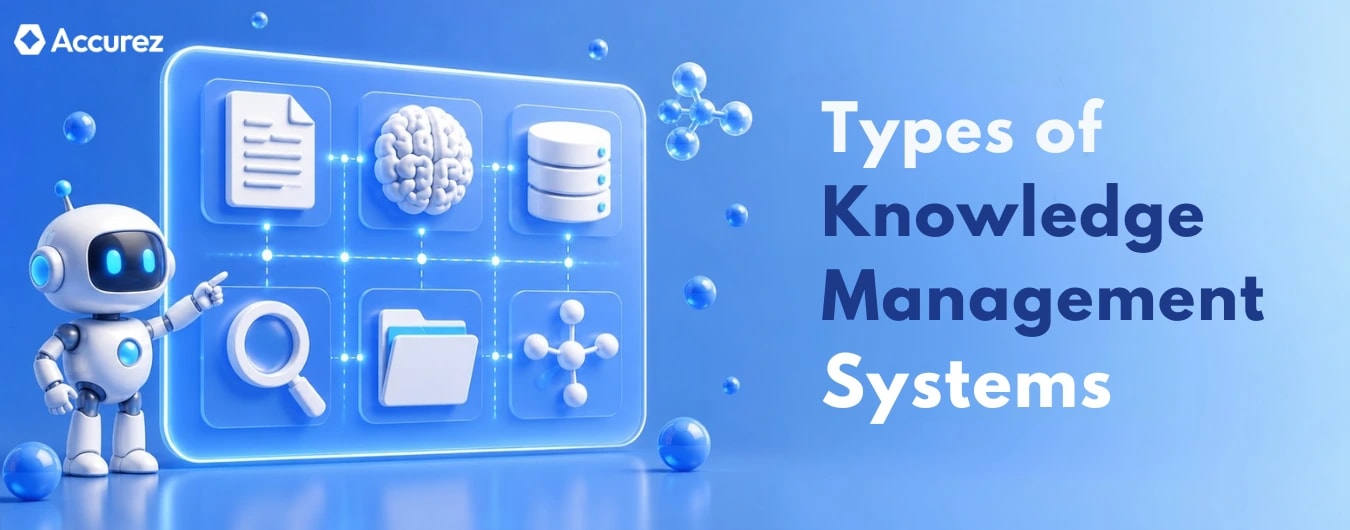
Types of knowledge management systems
Internal and external knowledge bases
An internal knowledge base is a searchable repository for employees - policies, procedures, how-to guides, product documentation, and operational answers. An external knowledge base serves customers: self-service FAQs, troubleshooting guides, and support articles that reduce inbound ticket volume.
If your team needs one place where employees or customers can find answers, this is where most organizations start.
It is the wrong choice when your real problem is connecting people to the right experts rather than documents, or when information changes faster than a static base can realistically keep up with.
Document and content management systems
Document management systems (DMS) are designed to store, version, and control access to formal documents - contracts, compliance records, SOPs, and official policies. They excel at audit trails, version control, and access permissions. SharePoint is the most widely deployed example.
Legal, compliance, finance, and regulated industries need this. Anywhere audit trails and version control are non-negotiable.
If employees need to find operational answers during their workday, a DMS will frustrate them. It is a filing system, not a retrieval system.
Collaboration platforms and enterprise social networks
Confluence, Notion, and Microsoft Teams sit in this category. They combine document creation, team wikis, and communication channels in one environment. Knowledge gets captured through the act of working - meeting notes, project wikis, shared documents - rather than through deliberate documentation.
Works well for product, engineering, and project teams where the goal is capturing knowledge as work happens rather than treating documentation as a separate task.
The failure mode is scale. Confluence and Notion are good at capturing knowledge and poor at maintaining it. Three years in, most of these environments are a mess.
Learning management systems
An LMS is designed for structured learning: courses, certifications, onboarding programmes, and compliance training. Employees follow a defined learning path rather than searching for answers. Workday Learning, Docebo, and TalentLMS are common examples.
The right tool for formal training, compliance certifications, and onboarding programmes where employees need to follow a defined path.
If the problem is that employees cannot find an answer during their workday, an LMS will not help. These two tools solve different problems. Most organizations eventually need both.
Expert systems and AI-powered knowledge tools
Expert systems use structured rules or AI models to answer questions based on a curated knowledge source. Modern AI-powered knowledge tools go further - they ingest documents, apply natural language processing, and return conversational answers with source citations. This is the fastest-growing category in 2026.
APQC research shows 38 percent of KM teams now use AI to proactively recommend knowledge assets to employees - surfacing relevant content before someone even searches for it.
Strong choice for organizations with large, complex knowledge bases where employees ask questions in many different ways. Especially valuable where a wrong answer is not just inconvenient but costly.
Not ready for AI if the knowledge base is small, inconsistent, or poorly maintained. AI does not fix bad content. It surfaces it faster.
Enterprise knowledge portals and intranets
Enterprise portals aggregate content from multiple internal systems into a single interface. Employees see one dashboard that surfaces news, documents, knowledge base articles, and tools relevant to their role. The portal does not store knowledge itself - it connects to where knowledge lives.
Useful for large enterprises where the problem is navigation rather than content creation. Employees have too many systems to check. A portal gives them one place to start.
Pointless if the underlying knowledge is poor. A portal on top of bad content is just a nicer way to find the wrong answer.
How AI is changing knowledge management systems
AI-powered search and knowledge discovery
Traditional search fails the moment an employee phrases a question differently from the document title. AI-powered search understands intent - asking 'what do I do when a client disputes an invoice' finds the dispute resolution policy even if it is titled 'accounts receivable escalation process'.
This shift matters because employees spend an average of 1.8 hours per day searching for information. Semantic search directly cuts that time by removing the guessing game of keyword matching.
Automated content maintenance and governance
AI flags stale content, drafts updates, and routes them to the right expert for approval. The human role shifts from writing everything from scratch to reviewing what the system produced.
Knowledge bases that used to decay can now stay current with far less human effort. The human role shifts from writing and updating to reviewing and approving.
Reducing hallucination risk in AI-driven KMS
The biggest risk in AI-powered KMS is confident, wrong answers. Poor, outdated, or contradictory content produces authoritative-sounding answers that are incorrect - customer misinformation in support, regulatory risk in compliance.
The mitigation - every AI answer should cite its source. High-stakes categories need human review before becoming authoritative. The knowledge base must meet a quality standard that the AI can be trusted to work with.
What a knowledge management system does for your organization
Faster information access and employee productivity
When employees find answers in seconds, the effect compounds across every team. Decisions get made faster. Support tickets get resolved without escalation. Deloitte research shows 66 percent of organizations achieved significant productivity gains from enterprise AI adoption - and a well-structured KMS is what makes that AI useful.
If you're evaluating business impact, our guide to knowledge management ROI explains the key metrics and frameworks for measuring the value of a KMS.
Stronger collaboration across teams
Two teams have both solved the same customer problem - in different ways, documented in different places, neither aware of the other. A shared KMS surfaces both and stops the duplication.
Faster employee onboarding and training
A new hire who finds operational answers without interrupting senior staff gets productive faster. Organizations pairing onboarding with a strong knowledge base consistently cut their ramp period by 20 to 30 percent.
Reducing knowledge loss when employees leave
Every departure is a knowledge loss event. A KMS that captures knowledge as part of normal work does not eliminate that loss, but it reduces it enough to matter.
How to choose the right knowledge management system
Matching system type to your knowledge goals
Start with the problem, not the platform. Employees who cannot find daily answers need a searchable knowledge base. Structured training needs an LMS. Connecting people to experts needs a different approach entirely. Choosing the platform before diagnosing the problem is the most expensive KMS mistake.
Before evaluating vendors, it's also worth developing a clear knowledge management strategy that aligns your people, processes, and technology. A strong strategy helps ensure you choose a system that supports long-term business goals rather than solving only today's problems.
Key features to evaluate before buying
- Search quality: Does the system return accurate results when employees phrase questions differently from document titles?
- Content governance: Can you set review dates, assign owners, and track which content is stale?
- Access control: Can you define who sees what at a granular role level?
- Integration: does it connect to the tools your employees already use - Slack, CRM, helpdesk?
- Data residency: Where is your content stored, and who can access it? Critical for regulated industries.
- AI transparency: Does the system cite sources for AI-generated answers so employees can verify them?
Questions to ask before committing to a platform
Three questions that cut through vendor demos.
- What happens to our data if we cancel? If the answer is unclear or the export process is painful, that is a dependency risk worth pricing in before you sign.
- Who maintains the content, and what does that workflow look like? A system without a clear maintenance model will decay within a year, regardless of how good the technology is.
- Can we host this ourselves? For organizations handling sensitive, proprietary, or regulated knowledge, a self-hosted deployment means your data never leaves your environment. Cloud-hosted platforms mean your knowledge is on someone else's servers.
Get instant answers from your documents
Conclusion
There is no universal right answer here. The platform that works for a 50-person professional services firm will break under the weight of a 5,000-person manufacturer managing compliance across five jurisdictions.
Map your actual knowledge problem to the system type built for it. Then evaluate features that matter for your situation, not features that look impressive when a salesperson is running the screen.
If you're looking for AI-powered knowledge base software, explore how Accurez helps organizations centralize knowledge, improve search, and maintain complete control over their data.
How we researched this article
Published research supports the statistics and claims in this article.
Statistics and claims in this article come from these sources.
IDC research shows - https://www.livepro.com/knowledge-management-trends-statistics/
Employee average search hours - https://knowmax.ai/blog/knowledge-management-statistics/
Similar blogs




See Accurez for yourself
Come with questions and meet the people behind the product.